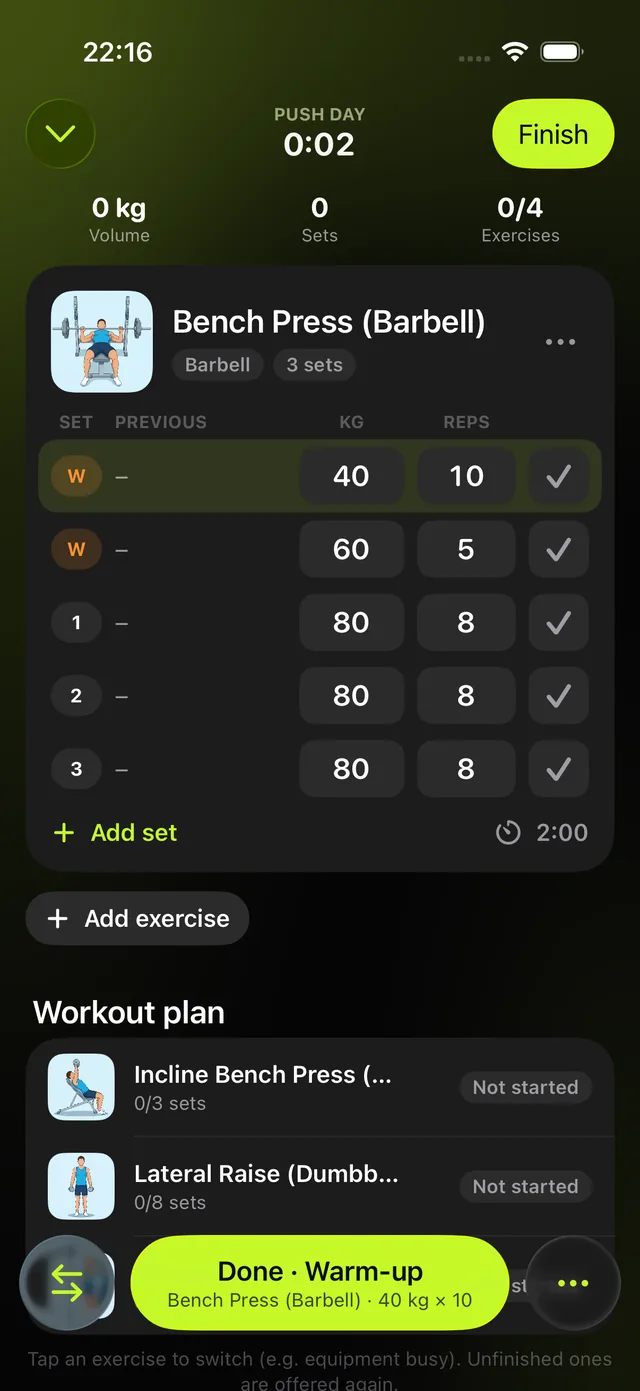
Set by set
Tap to log weight and reps. The rest timer starts on its own and tells you when to go again.

Gymbilly follows your workout set by set on iPhone and Apple Watch: rest timers, supersets, switching to another exercise when the machine is busy, and a muscle map of everything you trained.

Coming soon to the App Store. For iPhone and Apple Watch.
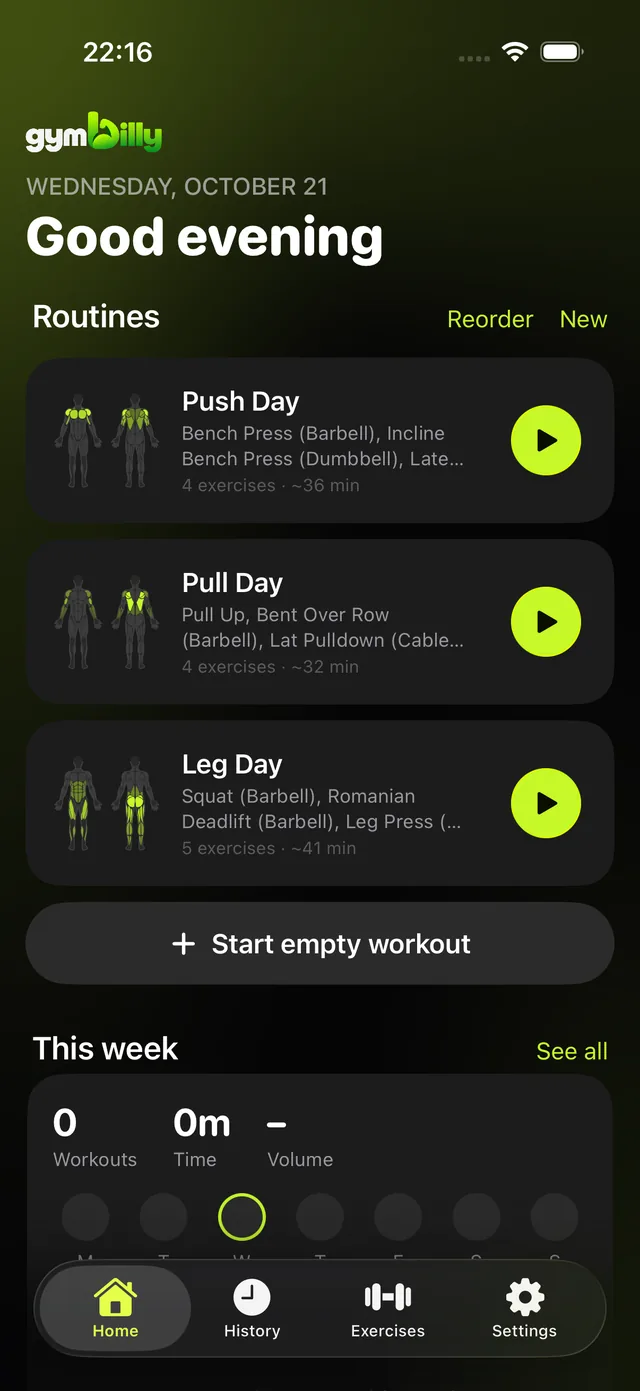
Fast enough between sets, flexible enough for a busy gym.
Tap to log weight and reps. The rest timer starts on its own and tells you when to go again.
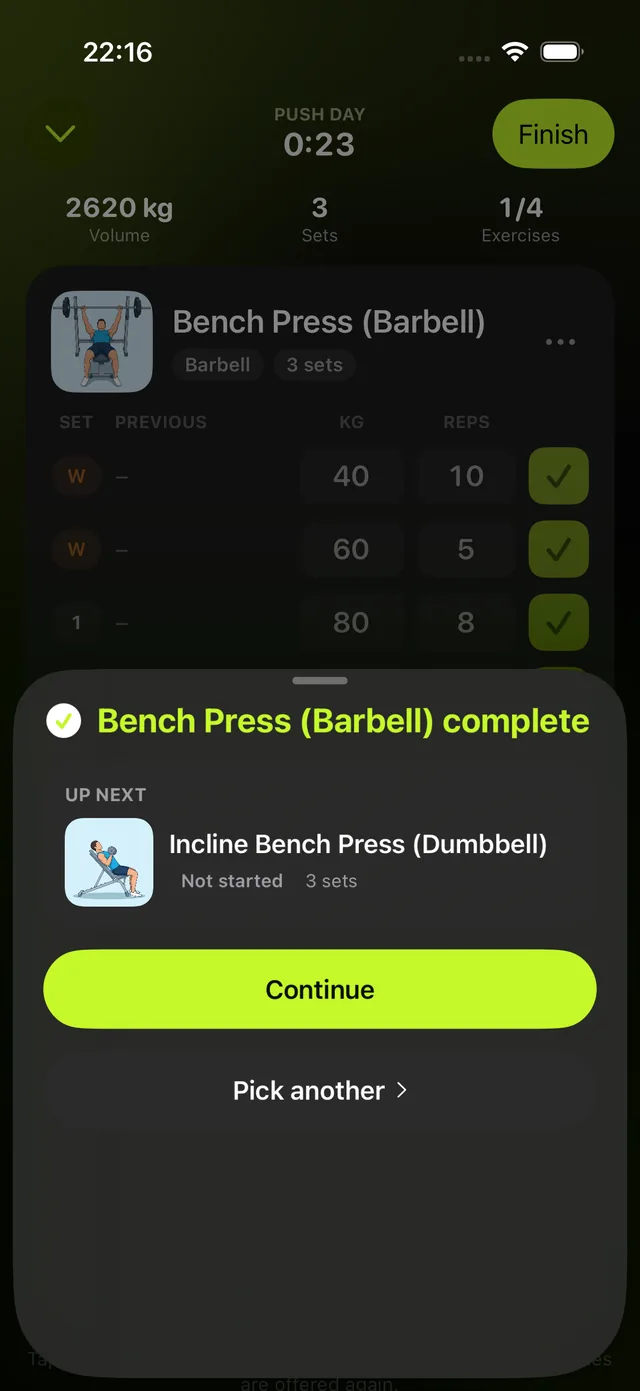
Jump to another exercise and Gymbilly brings you back to the one you skipped.
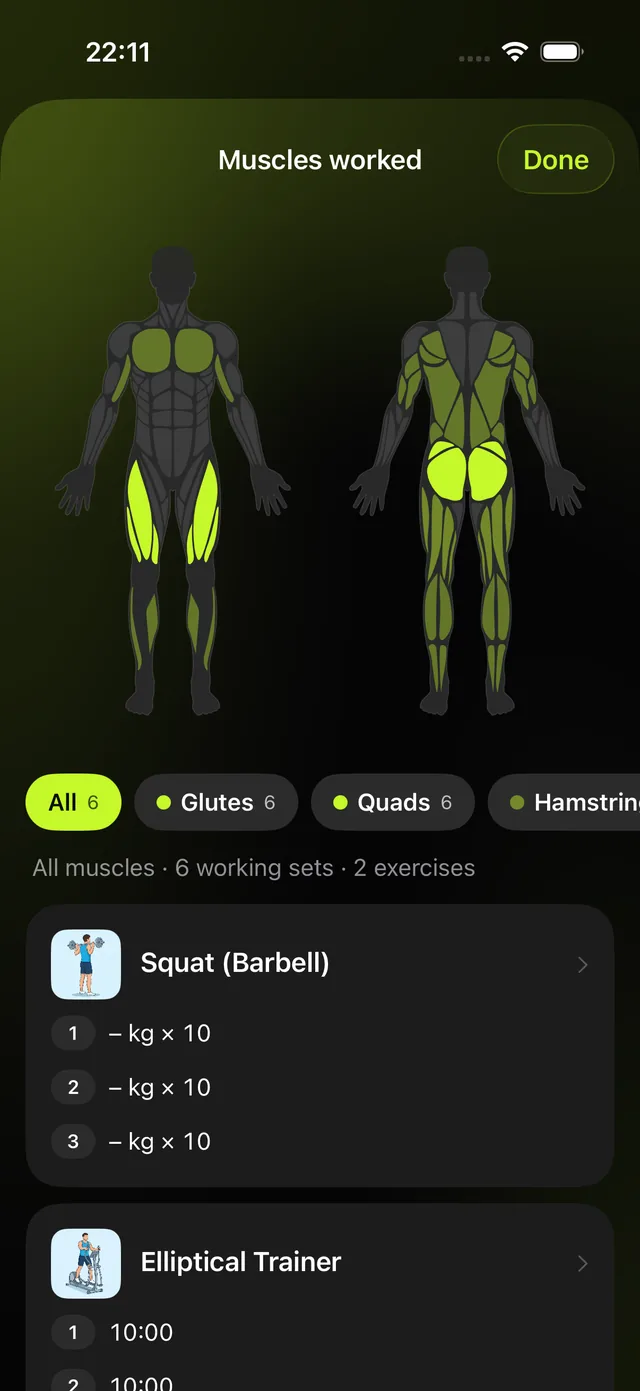
See which muscles every workout, routine and week trained, front and back.
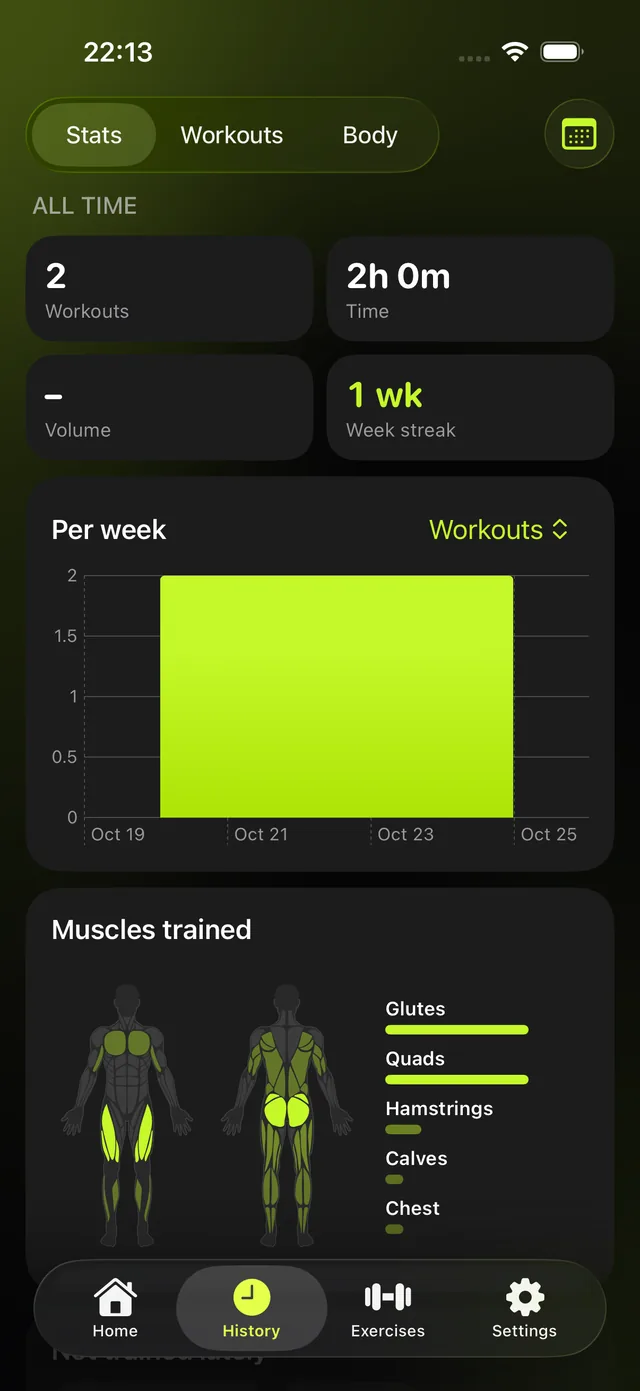
Charts for every exercise, personal records and your training week at a glance.
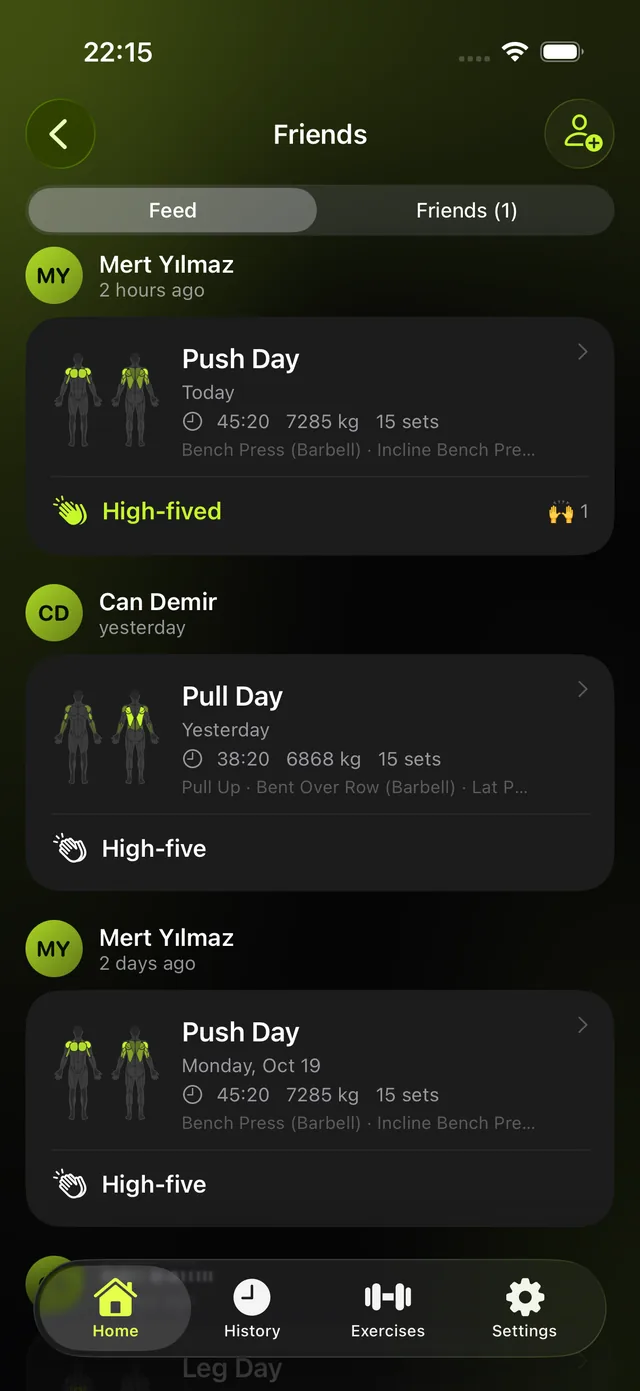
See friends' workouts, high-five them and nudge whoever skipped the gym.
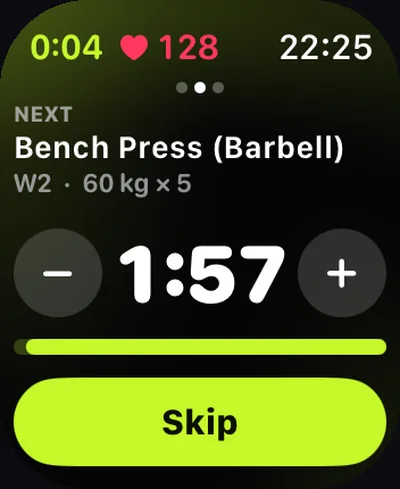
Run the whole workout from your wrist, with heart rate, rest timer and big numbers.
Your history, body measurements and health data stay on your devices. No ads, no tracking. An account is only needed for friends.
Yes. Gymbilly is free to download and use.
Yes. Start a workout on the Watch or join the one running on your iPhone. Log sets with the Digital Crown or by dragging the numbers, and see your heart rate and rest timer on your wrist.
Yes. Export your workouts as CSV from Hevy or Strong, then open Settings › Import in Gymbilly. Exercise names that don't match are highlighted so you can pick the right one before importing.
Yes. Settings › Export & backup saves one backup file with your workouts, routines, body measurements and custom exercises, which you can restore on any device. You can also export your workouts as a CSV spreadsheet in the same layout as Hevy's export.
No. Everything works without one. An account (Sign in with Apple or email) is only needed to add friends and share workouts with them.
Your workouts, routines, body measurements and health data stay on your iPhone and Apple Watch. If you add friends, only your profile and the workouts you choose to share are stored on our servers. Read our privacy policy.
Open Gymbilly on your iPhone, then on the Watch tap Sync with iPhone at the bottom of the home screen.
Gymbilly needs permission to read heart rate and save workouts. Tap the heart and choose Try again, or on your iPhone open Settings › Health › Data Access & Devices › Gymbilly.
Settings › Account › Delete account. Your profile, friends and shared workouts are removed from our servers right away.
Email us at support@gymbilly.com.